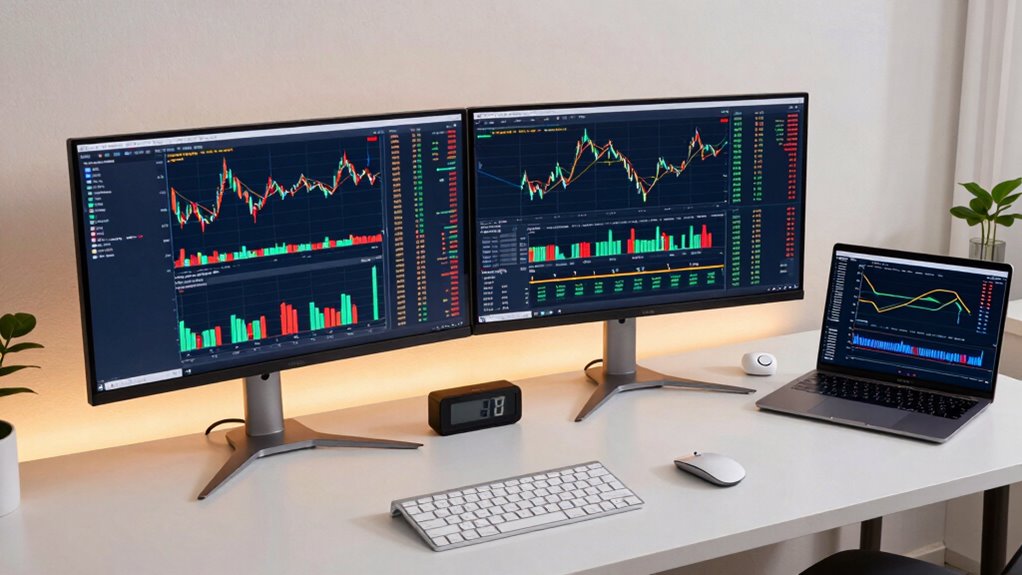
To set up the best dual monitors for trading, prioritize ergonomic positioning by placing monitors at eye level and an arm’s length away to reduce neck and eye strain. Choose high-resolution IPS screens with reliable connectivity, and calibrate them for color accuracy. Use cable management tools and adjustable stands to keep your workspace tidy and flexible. Investing in ergonomic accessories like adjustable keyboard and mouse stands can boost comfort. Continue exploring for more tips to optimize your setup and maximize efficiency.
Key Takeaways
- Prioritize monitors with high resolution (1440p or 4K) and IPS panels for clarity and accurate color representation.
- Ensure monitors are adjustable and positioned at eye level to prevent neck strain and improve focus.
- Use proper calibration tools for color accuracy, aiding precise technical analysis.
- Organize cables with clips or ties and choose flexible mounts for a tidy, adaptable workspace.
- Incorporate ergonomic accessories like adjustable stands and ergonomic peripherals for extended comfort during long trading sessions.
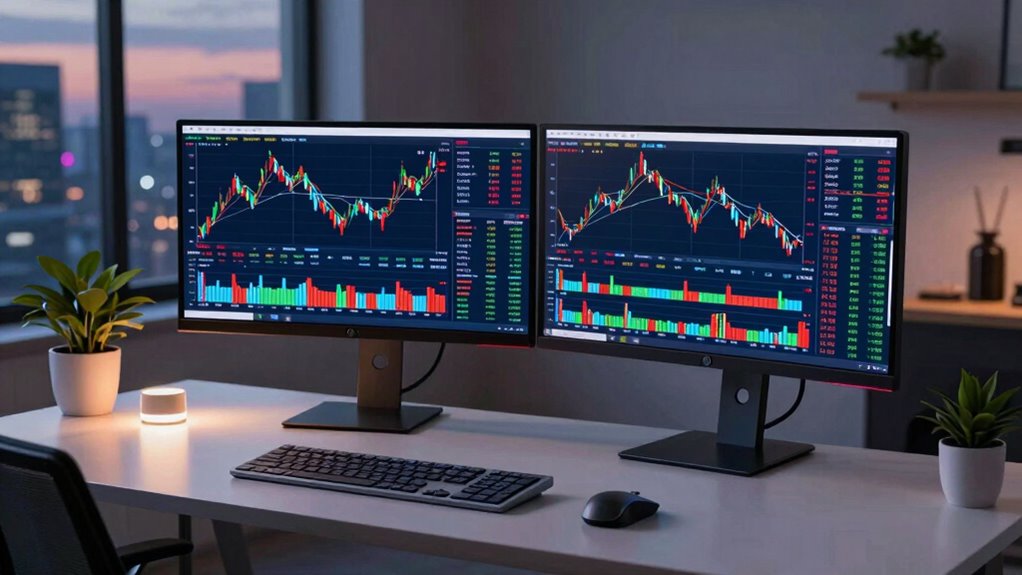
If you’re serious about trading, setting up an effective dual monitor system can considerably boost your productivity and decision-making. The key is to optimize your workspace for comfort and clarity, which starts with ergonomic adjustments. You want your monitors positioned to reduce neck and eye strain, so they should be at eye level and about an arm’s length away. Adjust the height, tilt, and swivel of your monitors to match your natural line of sight. This not only keeps you comfortable during long trading sessions but also helps maintain focus and reduces fatigue. Proper ergonomic setup minimizes the risk of repetitive strain injuries and guarantees you remain alert and efficient. Additionally, ensuring your monitors have proper calibration can significantly enhance your trading accuracy and reduce visual fatigue during extended periods of analysis. Beyond physical positioning, monitor calibration is equally important to guarantee color accuracy and consistency across screens. When your monitors are calibrated correctly, you’ll see true-to-life colors and consistent brightness levels, making it easier to interpret charts, graphs, and other visual data without eye fatigue or misjudgments. Using calibration tools or built-in software, you can fine-tune the displays for ideal contrast, brightness, and color balance. This is especially vital if you rely on detailed technical analysis or visual cues, as discrepancies in color or contrast can lead to misinterpretation of data. Choosing the right monitors involves more than just size; consider resolution, panel type, and connectivity. High-resolution screens, like 1440p or 4K, provide sharper images and allow you to view more information simultaneously without clutter. An IPS panel offers better color accuracy and wider viewing angles, which is beneficial when you’re working with multiple windows side-by-side. Make sure your setup includes reliable ports—HDMI, DisplayPort, or USB-C—to connect seamlessly to your trading hardware. Implementing a dual monitor setup also requires thoughtful cable management to keep your workspace tidy and prevent accidental disconnections. Use cable ties or clips to organize cables neatly behind your monitors. Additionally, invest in a sturdy monitor stand or arm to free up desk space and allow flexible positioning. This flexibility lets you easily switch between different trading platforms or charts, enhancing your workflow. Moreover, considering ergonomic accessories such as adjustable keyboard and mouse stands can further improve your overall comfort during extended trading hours.

HUANUO FlowLift™ Dual Monitor Stand, Fully Adjustable Gaming Monitor Desk Mount for 13–32″ Computer Screens, Full Motion VESA 75×75/100×100 with C-Clamp & Grommet Base, Each Arm Holds 4.4 to 19.8 lbs
Compatible with Wide Screens – To ensure compatibility with the dual monitor mount, your each monitor must meet…
As an affiliate, we earn on qualifying purchases.
As an affiliate, we earn on qualifying purchases.
Frequently Asked Questions
How Do I Connect Dual Monitors to My Trading Laptop?
You can connect dual monitors to your trading laptop by first checking the available ports, like HDMI or DisplayPort. Use monitor mounting brackets to securely hold your screens, and connect each monitor with the appropriate cables. Keep cable management tidy by bundling cords neatly, preventing clutter and damage. Once connected, configure display settings to extend or mirror your screens, enhancing your trading setup with efficient multitasking.
What Is the Ideal Monitor Size for Trading Efficiency?
The ideal monitor size for trading efficiency typically ranges from 24 to 32 inches, balancing ample screen space and good ergonomics. Larger screens improve monitor ergonomics and monitor placement, reducing eye strain and making multitasking easier. Proper monitor placement ensures you can view multiple charts and data streams comfortably without neck strain. Adjust the height and angle to maintain a natural, relaxed posture, boosting your trading performance and comfort during long sessions.
Do I Need a Special Graphics Card for Dual Monitors?
Did you know that over 80% of traders use dual monitors? You don’t need a special graphics card for dual monitor compatibility, but your current card should support multiple displays. Most modern GPUs can handle two screens easily, especially if you’re only trading and not using demanding 3D applications. Just check your graphics card’s specifications to make certain it has enough ports and supports the resolution you want.
How Can I Reduce Glare on Dual Monitors During Trading?
To reduce monitor glare during trading, you can adjust your monitor’s position to minimize screen reflections from lights or windows. Use an anti-glare screen protector or matte monitor finish to diffuse harsh reflections. Additionally, lower the brightness levels and adjust your room lighting to create a comfortable viewing environment. These steps help you see your charts clearly without straining your eyes caused by monitor glare and screen reflections.
What Color Calibration Settings Are Best for Trading Screens?
For trading screens, you should prioritize color calibration settings that guarantee color accuracy, giving you precise and consistent visuals. Use calibration tools like a colorimeter or software calibration to fine-tune your monitors. Set the color temperature to around 6500K for neutral whites, and adjust gamma to 2.2 for ideal contrast and detail. Regularly calibrate your displays to maintain accuracy, helping you make better-informed trading decisions.

LG 27US500-W Ultrafine Monitor 27-Inch 4K UHD (3840×2160) HDR10 IPS Borderless Design Reader Mode Flicker Safe Switch App HDMI DisplayPort – White
4K UHD with 1000:1 Contrast Ratio – This UltraFine display with a 1000:1 contrast ratio displays deeper blacks…
As an affiliate, we earn on qualifying purchases.
As an affiliate, we earn on qualifying purchases.
Conclusion
With the right dual monitor setup, you’re armed with a commanding control tower, turning your trading desk into a cockpit of opportunity. By choosing the right screens, placement, and accessories, you’ll navigate market waves with confidence and clarity. Think of your monitors as your trusted co-pilots—helping you spot opportunities and avoid turbulence. Get your setup right, and watch your trading performance soar like an eagle soaring high above the chaos below.

datacolor Spyder – Monitor Calibrator for Graphic Designers, Photographers, and Content Creators, Shows You True Colors, Works on OLED Monitors & LED Screens, Easy-to-Use Color Calibration Tool
Color “Surprises” Are a Thing of the Past: Datacolor’s exclusive DevicePreview TM Beta feature simulates what your photos…
As an affiliate, we earn on qualifying purchases.
As an affiliate, we earn on qualifying purchases.

SOULWIT 50Pcs Self Adhesive Cable Management Clips, Cable Organizers Wire Clips Cord Holder for TV PC Ethernet Cable under Desk Home Office (Black)
🔷SUPER EASY TO USE: Stick to clean surface, open tab, insert multiple cables, close the tab, enjoy the…
As an affiliate, we earn on qualifying purchases.
As an affiliate, we earn on qualifying purchases.