
TL;DR

Get smart everyday buys delivered free — and shop member deals
- Fast, free delivery on millions of items
- Access to Prime Big Deal Days deals on October 6–7
- Prime Video, Amazon Music and more included
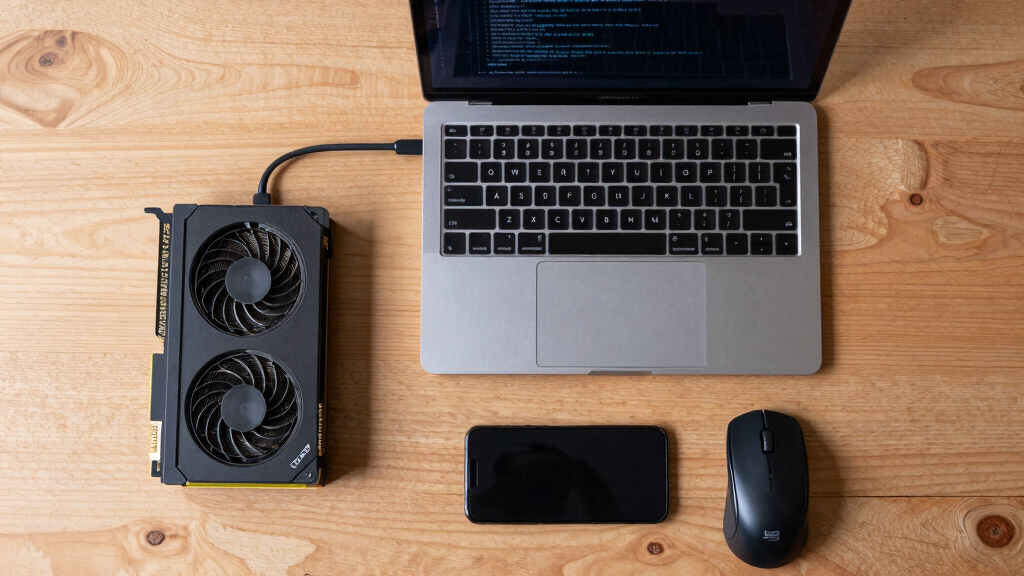
Researchers have developed a way to use Nvidia GPU VRAM as swap space on Linux systems. This approach enables hybrid laptop users to expand memory capacity by repurposing idle VRAM, with minimal setup and compatibility across CUDA-supported GPUs. Performance varies based on workload type, with high throughput favoring SSD or NVMe swaps, but low-latency tasks benefit from GPU VRAM.
Linux users with Nvidia GPUs can now use VRAM as swap space thanks to a new open-source daemon that leverages CUDA and NBD protocols, expanding system memory without kernel modifications. This development is particularly relevant for hybrid laptops with soldered VRAM and no upgrade options, enabling better performance under memory pressure.
The solution involves a small daemon that allocates VRAM via the CUDA driver API and exposes it as a block device using the NBD protocol. This device then functions as a swap space, integrated into the Linux swap subsystem. Tested on an AMD/ATI + RTX 3070 laptop with 16 GB RAM and 8 GB VRAM, the setup can allocate up to 7 GB of VRAM for swap, effectively tripling total addressable memory when combined with zram and SSD swap.
The approach bypasses limitations of the NVIDIA P2P API, which returns errors on consumer GPUs, and avoids complex kernel module modifications. Instead, it relies on CUDA memory copy operations (cuMemcpyHtoD/DtoH), which work across all CUDA-compatible GPUs, simplifying setup and maintenance. The daemon runs as a systemd service, automatically starting on boot and supporting power-aware management to optimize battery life.
Why It Matters
This development matters because it offers a cost-effective way to extend system memory on laptops with limited or soldered VRAM, potentially improving performance under heavy memory load. It also demonstrates a novel use of GPU VRAM beyond graphics rendering, opening avenues for hardware resource optimization and custom Linux configurations. However, performance differences mean this solution is best suited for low-latency or sporadic workloads rather than sustained high-throughput tasks.
Nvidia GPU VRAM expansion for Linux
As an affiliate, we earn on qualifying purchases.
As an affiliate, we earn on qualifying purchases.
Background
Traditional swap space on Linux relies on SSDs or NVMe drives, which can be slower than RAM but provide additional capacity. Hybrid laptops often have soldered VRAM, making upgrades impossible, and existing solutions like zram or SSD swap have limitations. Previous attempts to directly access GPU memory via the NVIDIA P2P API failed on consumer GPUs due to driver restrictions, prompting the development of this workaround. The method leverages CUDA’s ability to copy memory to and from the GPU, combined with a user-space daemon that presents VRAM as a block device over NBD.
“This approach sidesteps the limitations of the NVIDIA P2P API by using CUDA memory copy operations, which are universally supported across CUDA GPUs.”
— Developer of the nbd-vram project
“Using VRAM as swap has significantly increased my system’s responsiveness under heavy load, especially when multitasking.”
— Linux user and early tester
CUDA compatible external GPU memory
As an affiliate, we earn on qualifying purchases.
As an affiliate, we earn on qualifying purchases.
What Remains Unclear
It remains unclear how well this approach scales with different GPU models, workloads, or in long-term use. Compatibility issues may arise with certain driver versions or hardware configurations. Performance metrics vary depending on workload type, and the impact on GPU lifespan or thermal management is not yet fully understood. Additionally, ongoing kernel updates could affect the stability or functionality of the daemon.
As an affiliate, we earn on qualifying purchases.
What’s Next
Further testing across diverse hardware setups is expected, alongside potential integration into mainstream Linux distributions. Developers may refine the daemon for better performance and stability, and users will likely explore customization options. Monitoring updates to CUDA drivers and Linux kernel support will be essential to maintain compatibility and optimize performance.
As an affiliate, we earn on qualifying purchases.
Key Questions
Can I use this method on any Nvidia GPU?
Yes, the method works on any CUDA-capable Nvidia GPU, including consumer RTX and GTX cards, as long as the driver supports libcuda.so.1.
Does using VRAM as swap affect GPU lifespan?
While not yet fully studied, constant use of VRAM for swap could increase thermal and wear stress on the GPU. Users should monitor temperatures and system stability.
How does performance compare to traditional SSD swap?
VRAM swap offers lower latency for sporadic access but lower throughput for large sequential transfers compared to SSDs or NVMe drives. It is best suited for low-latency tasks rather than sustained high-throughput workloads.
Is this solution stable for daily use?
Early testers report stability, but long-term reliability is still being evaluated. Users should back up data and test thoroughly before relying on it for critical tasks.
How do I set up and configure VRAM swap on my Linux system?
Installation involves cloning the nbd-vram repository, running the install script, and configuring systemd service files. Detailed instructions are provided in the project’s documentation.
Source: Hacker News
Fall Picks
fall essentials
As an affiliate, we earn on qualifying purchases.